 Phosphor
A free MadMapper alternative that is also the VJ app
MadMapper is the mapper you point other software at. Phosphor is the mapper and the content in one free, open-source Mac app: drag corners on the projector, warp, mask and blend, map LED strips, and play the clips, effects and generators that go onto those surfaces, all finding the beat by themselves.
MadMapper is a trademark of its owner; Phosphor is independent and not affiliated with it. Feature by feature: the comparison table.
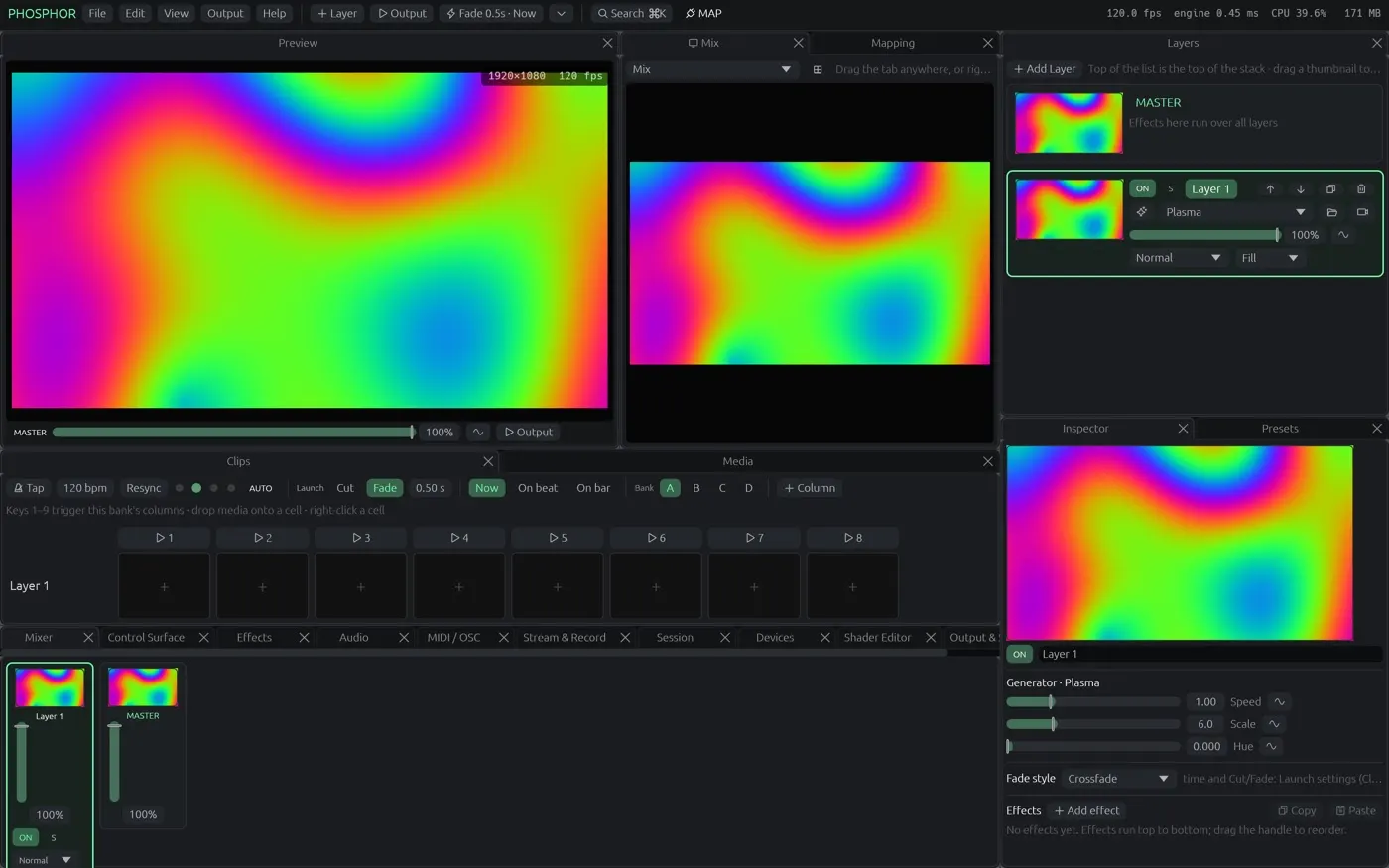
What MadMapper users keep
Mapping on the projector
Drag the corners of each surface straight on the output, warp with a Catmull-Rom mesh (up to 8×8), cut polygon, circle and triangle masks with soft edges, blend the edges between projectors, colour-correct each output, and send each output to its own screen.
Surfaces that show what you choose
Each surface shows the mix or one layer, with slices, venue presets to recall a room, and a Mapping Studio with tree, zoomable canvas and input view.
LED and DMX pixel mapping
Fixtures as strips and matrices sample the picture and go out over Art-Net or sACN, paced; the same picture feeds projectors and LEDs.
MadMapper materials run here
MadMapper's material shaders (its ISF with MadNoise and MadSDF) import: 39 of the 42 factory materials, plus 325 of the 327 shaders in the ISF collection, as generators and effects.
Syphon and NDI in, when you still want another source
Keep feeding Phosphor from other apps over Syphon or NDI; or play movies, cameras, capture cards and network streams in it directly.
What Phosphor adds
The content lives in the same window
A Resolume-style clip grid, blend modes, effects and generators, text layers, launch quantised to the beat. No second app, no Syphon hop, no latency between content and mapping.
Automatic beat detection and clips that lock to it
Phosphor hears the tempo in the music and locks each clip's visual rhythm to it by itself (Match the beat, Auto-match). Everything you map moves on the beat.
Phone remote and audience play
A QR code makes a phone the remote for your surfaces and clips; a second code on the wall lets the audience take timed turns.
Free and open source
GPL, on GitHub, updates itself. A free account keeps a few projects and layouts; pay only for more space.
What Phosphor does not do (yet)
No lasers, no spatial scanner, a Windows build only as a preview, and Phosphor is not notarised yet (first launch needs Privacy & Security → Open Anyway).
Questions from MadMapper users
Can Phosphor map onto 3D models like MadMapper?
Yes, from an OBJ model with UVs: place the virtual projector (turn, tilt, distance, lens) until the wireframe sits on the object, and the picture follows the model. Pin a few points of the model onto the real object and the projector is solved for you.
Do MadMapper materials work in Phosphor?
Yes. Phosphor imports MadMapper's material shaders when MadMapper is installed (39 of the 42 factory materials) as generators.
Can it drive LED strips?
Yes. Art-Net and sACN pixel mapping with strips and matrices sampled from the picture.
Is Phosphor really free?
Yes. The Mac app is free and open source (GPL). A free account keeps a few projects and your layouts; paying is only for more space.
Try it
Download Phosphor for Mac from GitHub (free, open source, updates itself) or open it in Chrome or Edge. The other comparisons: Resolume · VDMX · MadMapper · all three, feature by feature.